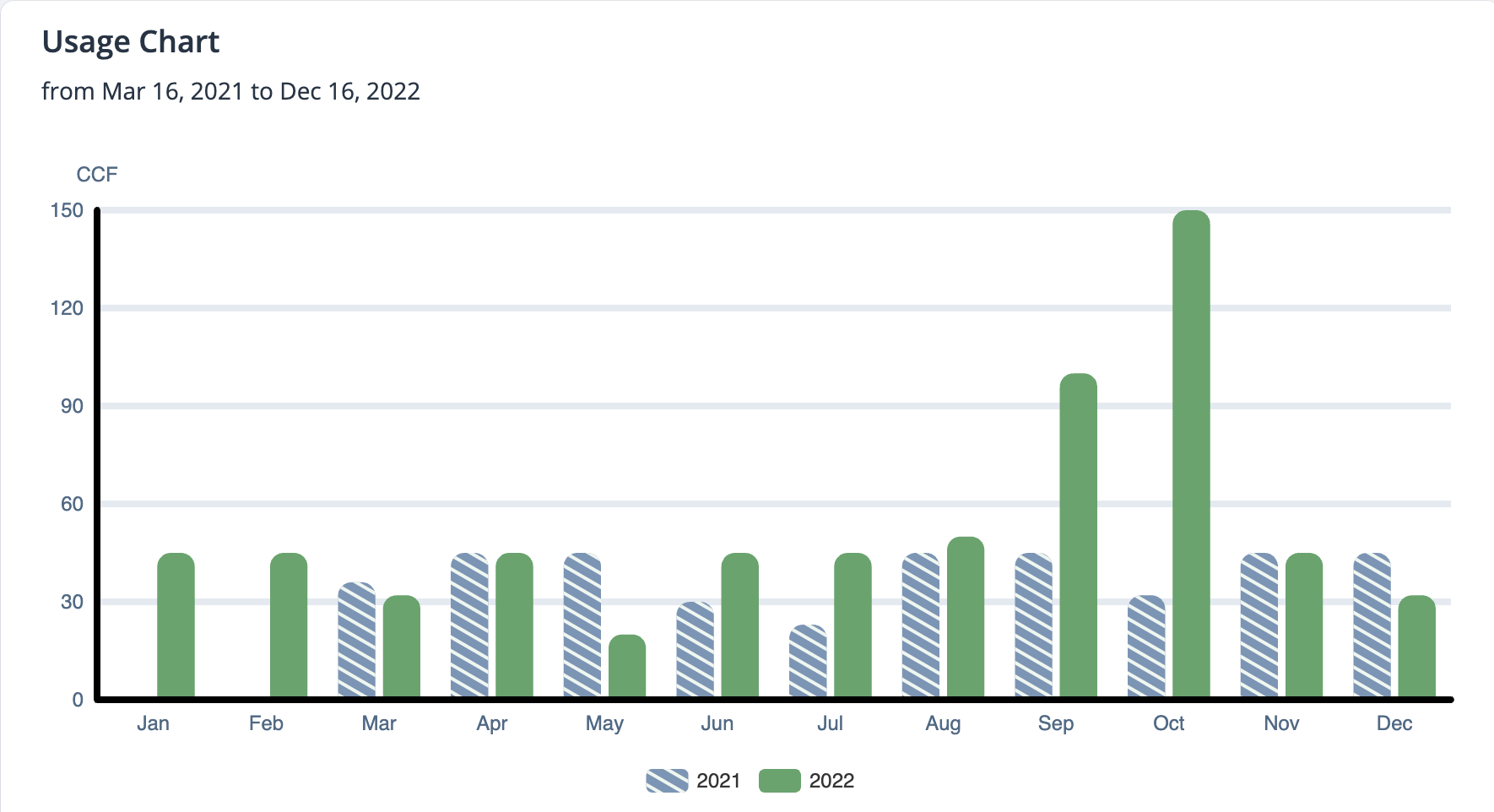
View Your Water Usage on PayIt Fort Smith
You can now easily track your water usage with a detailed chart and table in your PayIt Fort Smith profile.
To get started:
-
Log in to your PayIt Fort Smith account
-
Link your utility account (see Link a Utility Account on PayIt Fort Smith.
-
Under “Your Accounts & Requests,” select the account you want to view.
-
Review your usage chart, which displays up to two years of data.
-
To expand the Usage Table, select the drop-down arrow to the right of Usage Table for a detailed month-by-month breakdown.
-